Keep what you scroll past.
Save a TikTok or a Reel. Scrollsake turns it into a note you can search, browse and ask about.

Save from the share sheet
Share a video to Scrollsake from your phone, or paste a link on the site. It works from TikTok, Instagram, Facebook, Pinterest, X, Reddit, Threads, Snapchat, LinkedIn, Vimeo and Bluesky, with podcast episodes from Apple Podcasts and Spotify, and with articles and PDFs. A link you share twice is only saved once.

Every save becomes a note
Scrollsake transcribes what is said and reads what is on screen, then writes a summary, the key points, and the full recipe when it is one. Notes are sorted onto shelves and can be searched by meaning, not just by matching words.

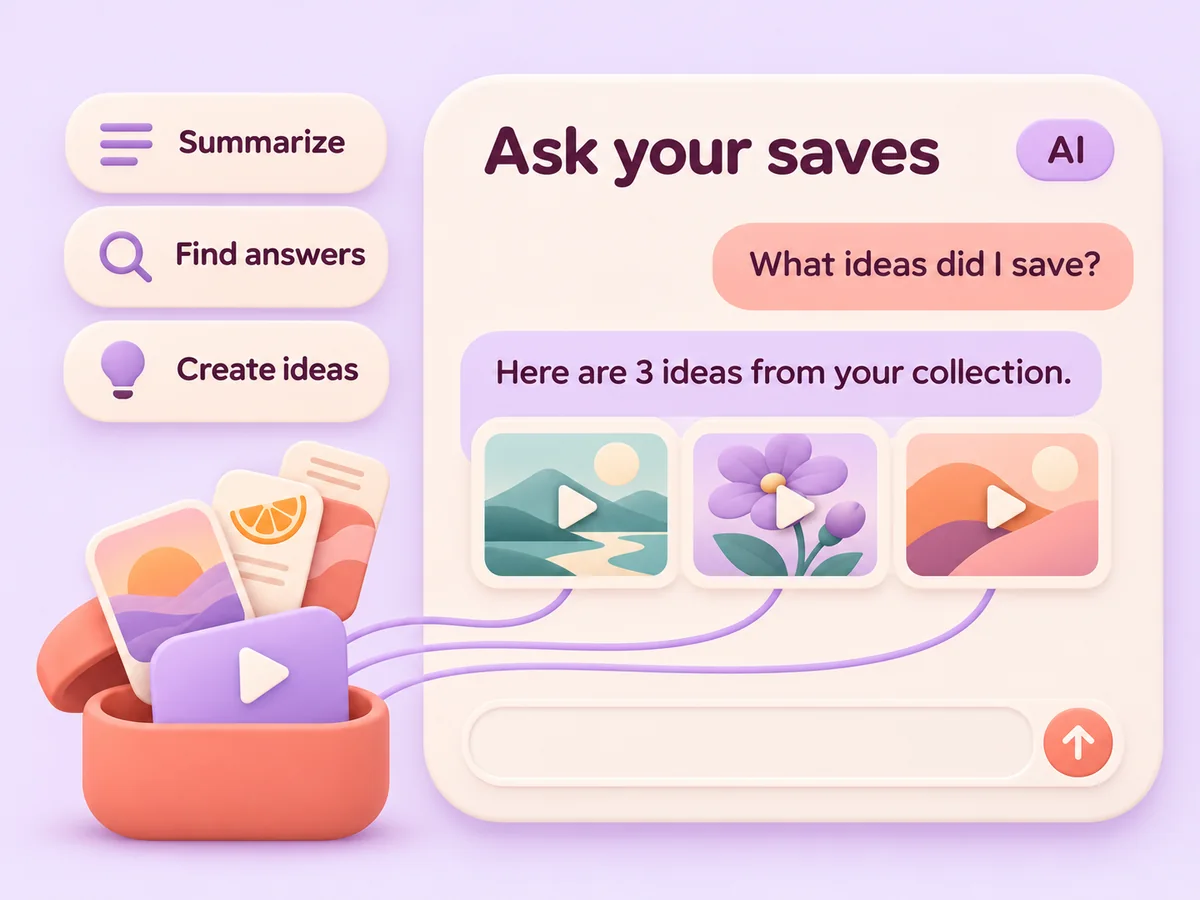
Ask your saves
Ask a question in plain words. The answer comes only from what you saved, and it links to the notes it used, so you can check it.
- What did that video say about hip mobility?
- Which recipes use chicken thighs?
- What ideas did I save for the kitchen?
Your notes go where you work
- Claude can search your notes once you connect it.
- A download gives you every note as a markdown file, with screenshots, whenever you want a copy.
- The brain graph shows how your notes, topics and shelves connect.
Start with one video
Create an account, paste a link, and the note is ready a minute or two later. Free includes 10 notes a month.